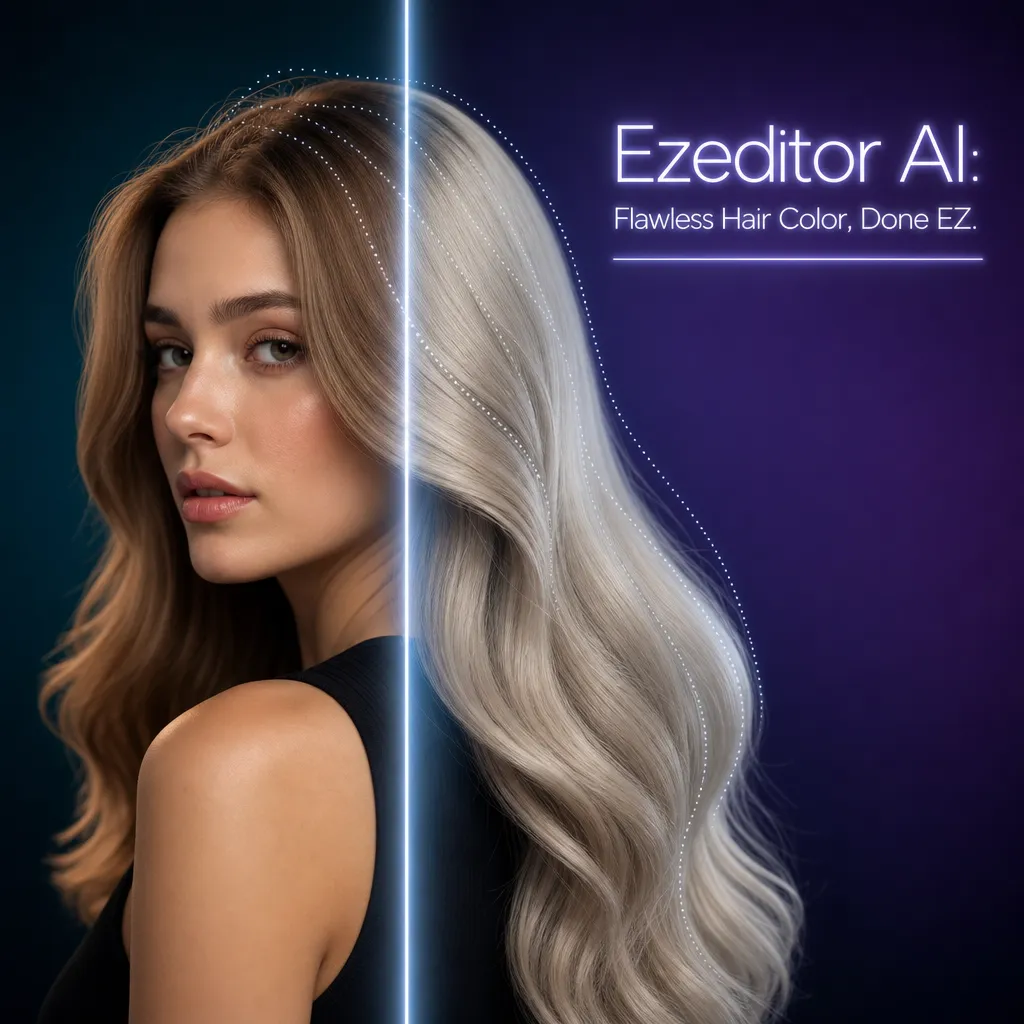
Free AI Hair Color Changer: Try On Any Shade Instantly
Upload your photo to Ezeditor's online AI hair color changer and test blonde, brown, red, silver, or custom shades in seconds with realistic hair texture.
No sign-up required - free to try - no watermark
Flawless AI Hair Color Change That Keeps the Natural Texture
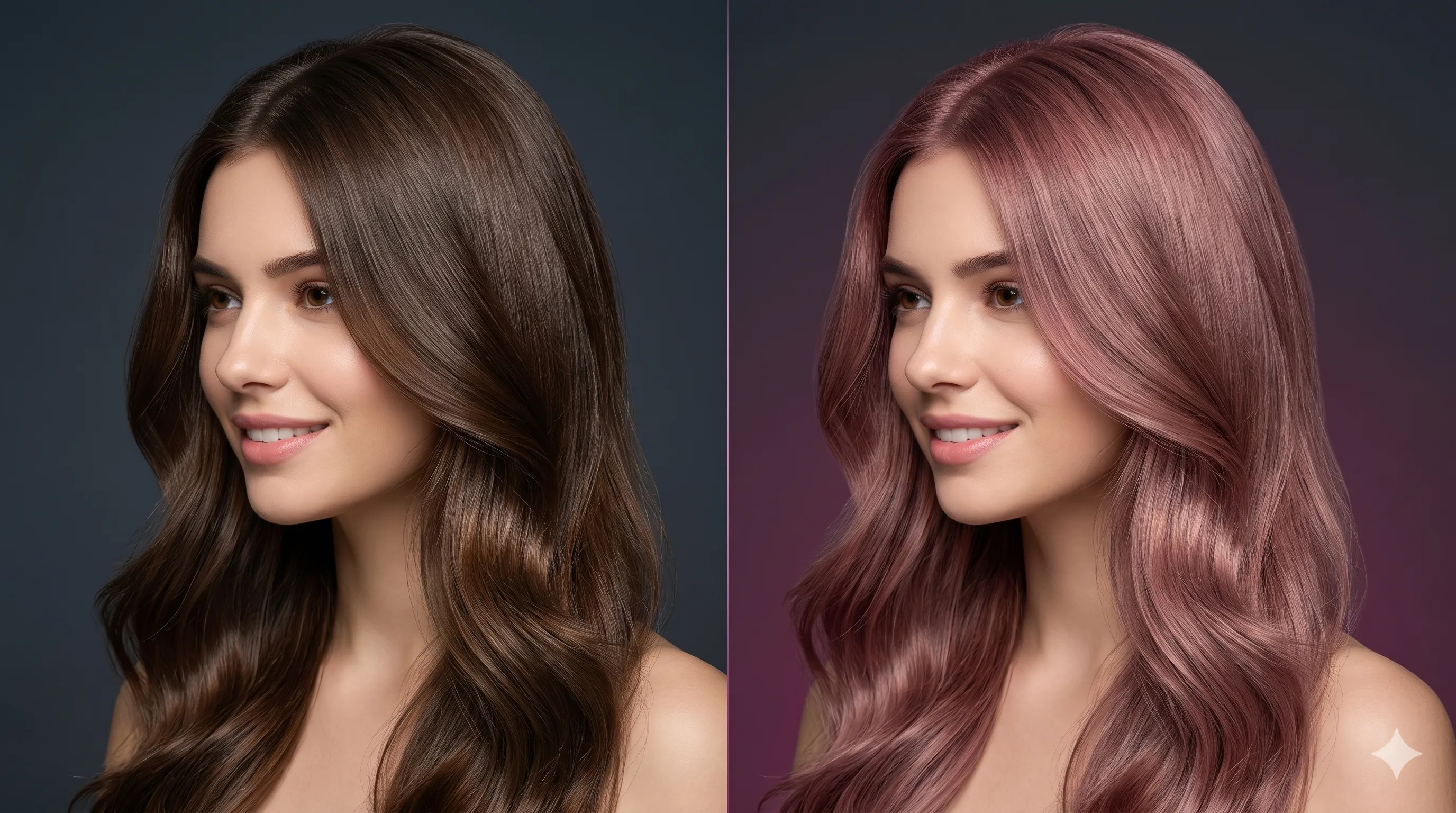
Avoid salon disasters and expensive guesswork. Ezeditor's advanced hair color changer AI analyzes your original hair texture, volume, and ambient lighting. Whether you are shifting black hair to platinum blonde or brunette hair to fiery red, the AI blends pigment into every strand while preserving realistic highlights and lowlights.
- Preview a believable AI hair color change that keeps strand detail, shadows, and face identity intact.
- Upload a portrait and change hair color with AI without Photoshop layers, brushing, or retouching skills.
How to Change Hair Color with AI
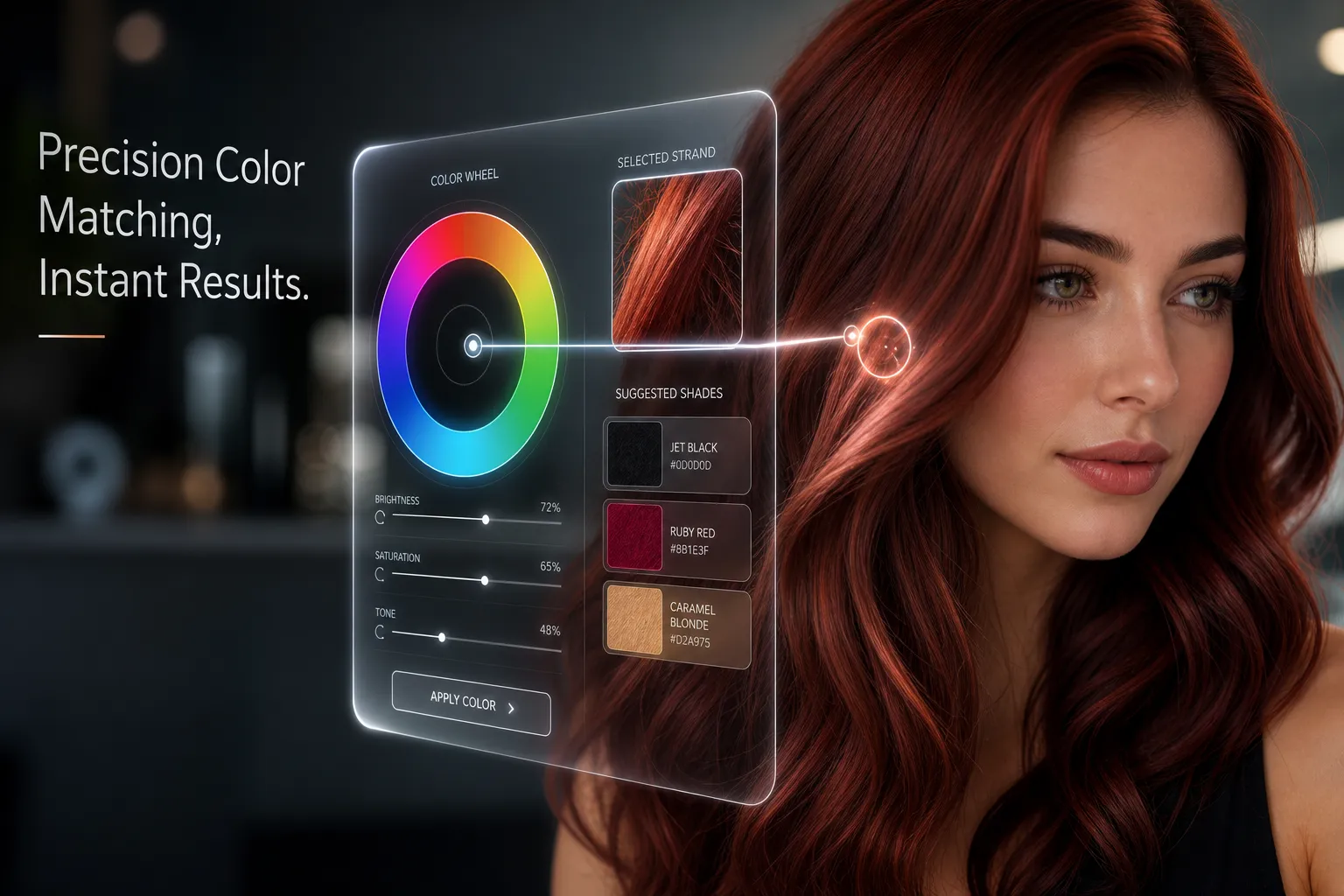
Upload a photo, choose a hair color mode, and download your generated result.
Experiment with 50+ Trending Shades in One Click
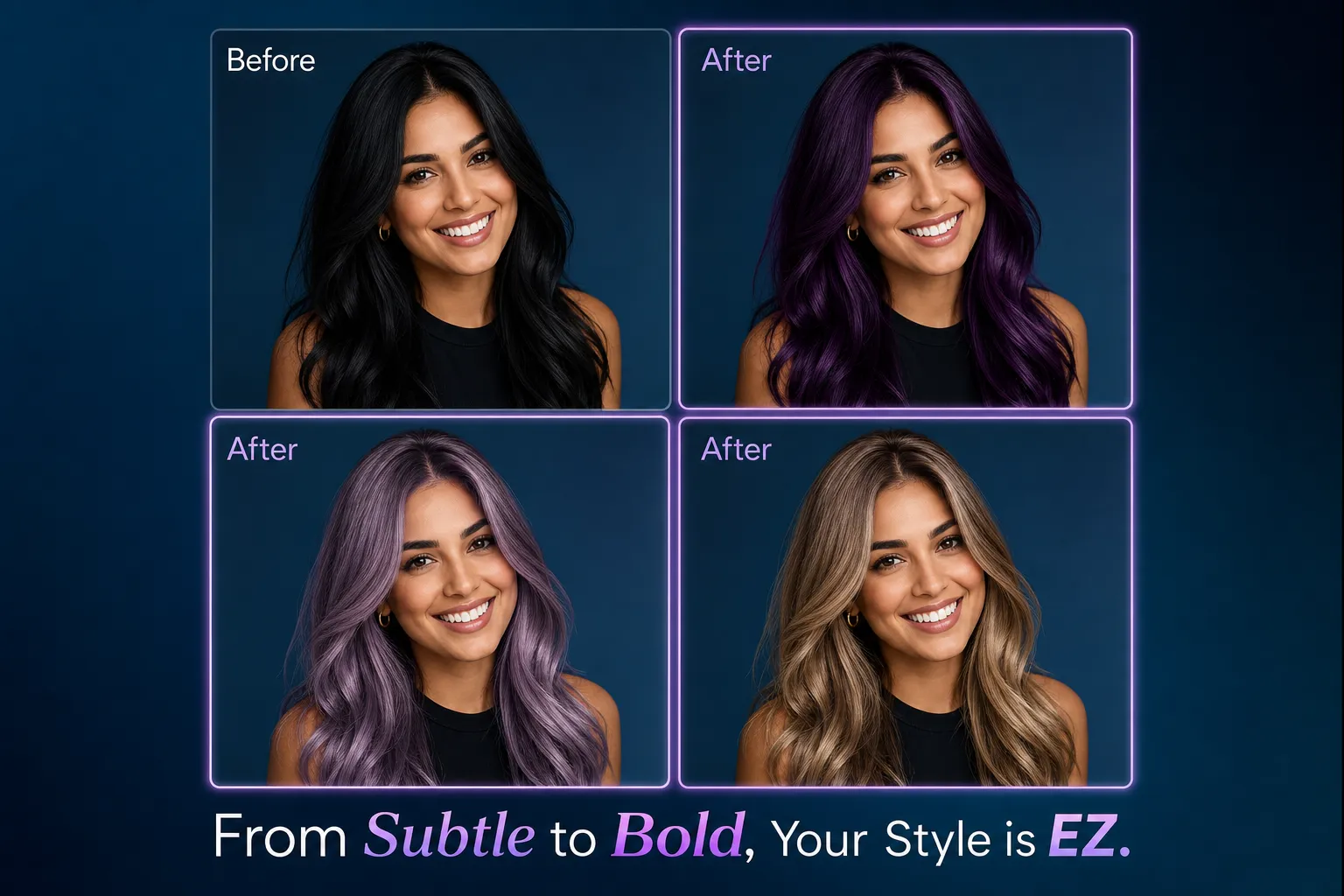
Why limit yourself to basic colors? Ezeditor lets you test popular shades including ash blonde, honey blonde, chocolate brown, rose gold, auburn, silver gray, and custom vivid colors. It is a fast digital playground for creators, fashion shoppers, salon planning, and anyone comparing a new look before using real dye.
- Try blonde, brown, copper, black, silver, pink, blue, purple, green, and neon-inspired color ideas.
- Describe a specific shade such as ash gray with blue highlights and Ezeditor formats the AI instruction automatically.
Change Hair Color Online Free from Any Browser
Ezeditor is built for a low-friction web workflow. There is no app download, no complex editing panel, and no need to learn professional design software. Open the online AI hair color changer, upload your photo, preview your favorite shade, and download the generated result for social posts, mood boards, or salon references.
- Use the AI hair color changer online from desktop or mobile without installing a mobile try-on app.
- Test multiple hair color ideas in seconds before committing to a salon appointment or hair dye purchase.
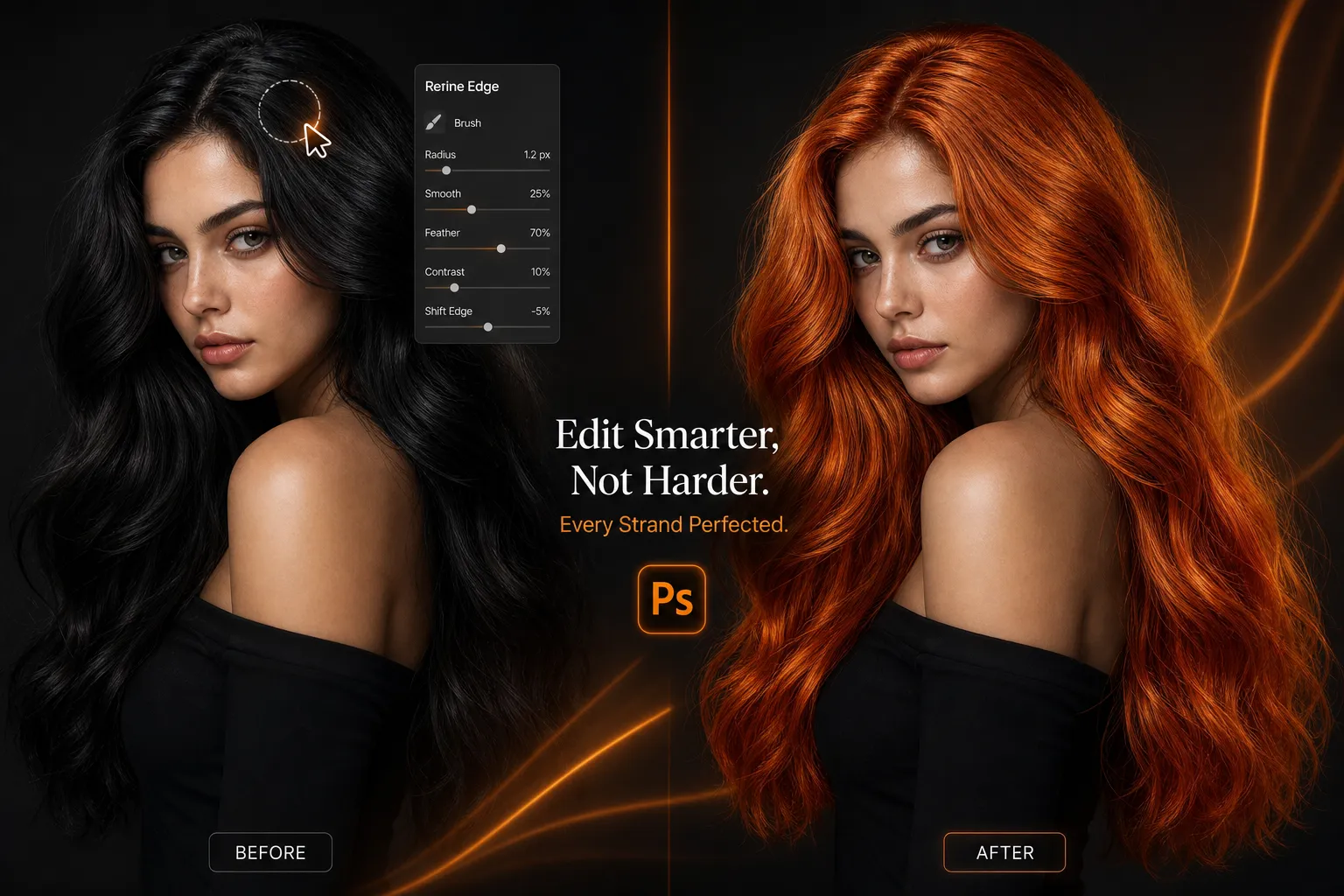
Hair Color Editing Tools Built for Realistic Try-On
The Smarter AI Alternative to Complex Editing Tools
Forget spending hours with manual brushing, masking, and color layers to change hair color in Photoshop. Ezeditor does the heavy lifting in your web browser.
| Feature | Ezeditor.io AI | Photoshop AI / Traditional | Mobile Try-on Apps |
|---|---|---|---|
| Learning Curve | Zero, upload and choose a shade | High, requires masking and color skills | Medium, often buried in app clutter |
| Processing Speed | Fast online preview | Manual edits can take 10+ minutes | Often slowed by ads or paywalls |
| Hair Edge Precision | AI strand-aware color blending | Depends on manual selection quality | Can create blurry or flat edges |
| Installation | No download required | Large desktop software install | Requires app store download |
Ready to Meet Your Next Stunning Look?
Loved by Trendsetters and Creators
"I wanted to go from dark brown to copper but was nervous about the commitment. Ezeditor gave me a realistic preview I could show my stylist."
Chloe M.
Lifestyle Creator
"The color tabs are faster than writing a prompt from scratch. I can test several hair colors and keep the strongest look."
J. N.
Content Creator
"We use Ezeditor to test lookbook variations without reshooting every model for small hair color changes."
Zack T.
Digital Merchant
Frequently Asked Questions About Ezeditor AI
Common questions about using an AI hair color changer online free.