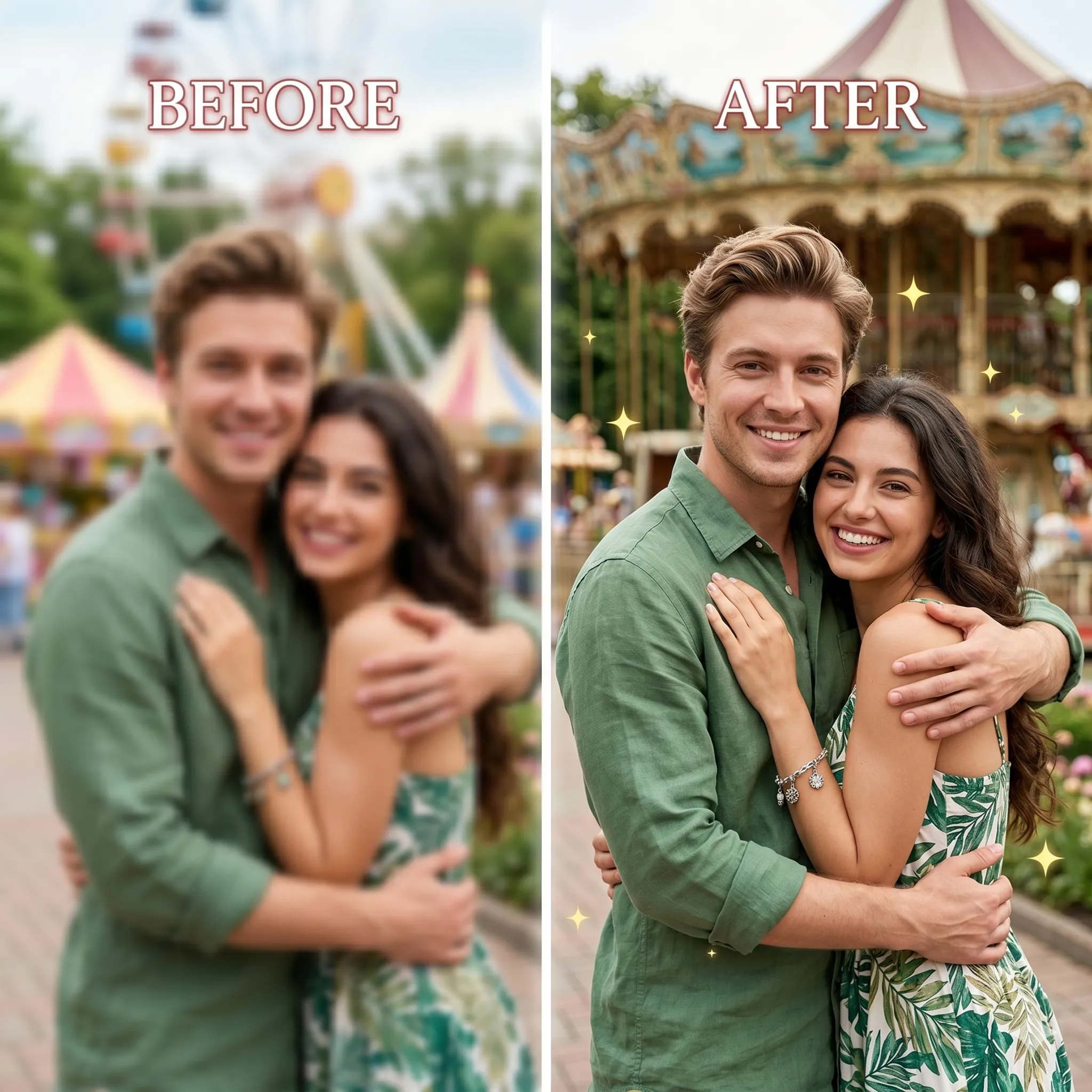
Free AI Image Upscaler: Upscale and Enhance Your Photos Instantly
Use a free ai image upscaler online to enlarge low-resolution photos, product shots, AI art, and graphics. Upscale image ai results to 4K or 8K with no watermark, no sign up, and no software download.
Super-Resolution AI Image Upscaler for Clear HD Detail
Our ai image upscaler does more than stretch pixels. It rebuilds missing detail in faces, hair, fabric, product edges, landscapes, and digital artwork so every ai image upscale looks sharper, cleaner, and ready for web, print, or social media.
- Turn soft, compressed images into high-definition visuals with an image upscaler ai engine that restores edges, texture, and contrast.
- Use the ai image upscaler 8k free workflow for large displays, print previews, portfolios, and e-commerce assets that need extra resolution.
- Preserve skin, hair, product materials, and artwork styles without the plastic look common in basic resizing tools.
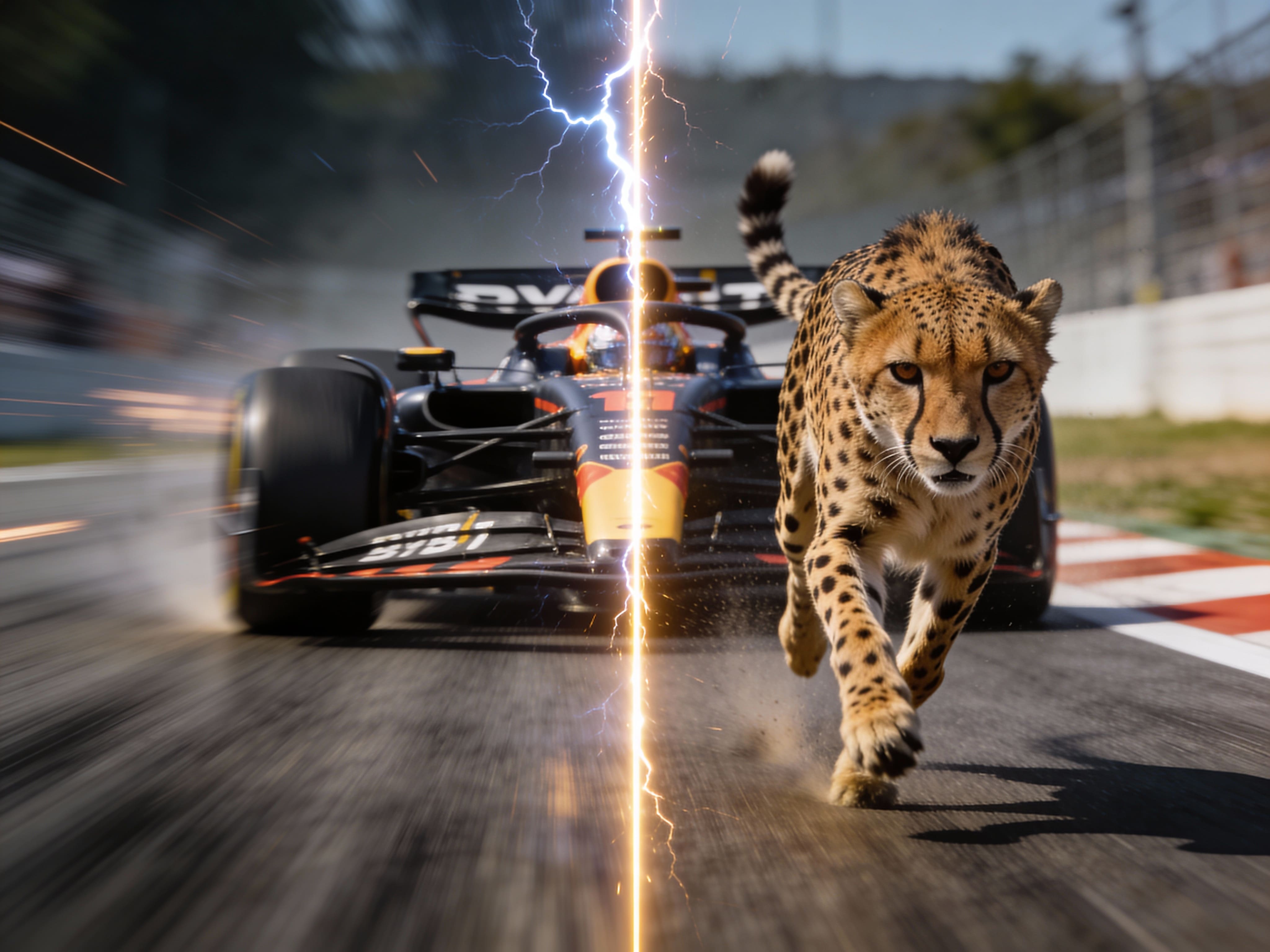
One-Click Workflow to Upscale and Enhance Image AI Free
Skip complex desktop software. Drop in a JPG, PNG, or WebP file, choose your scale, and let the 4k image ai upscaler fix pixelation, compression artifacts, and blur. It is a fast way to upscale and enhance image ai free projects from any browser.
- Upload a low-resolution photo, product image, AI-generated artwork, anime frame, or web graphic directly in your browser.
- The ai image upscaling pipeline improves clarity, denoises details, and prepares a cleaner image upscale ai result automatically.
- Export a crisp HD, 4K, or 8K image with no local GPU, no heavy installation, and no complicated settings.
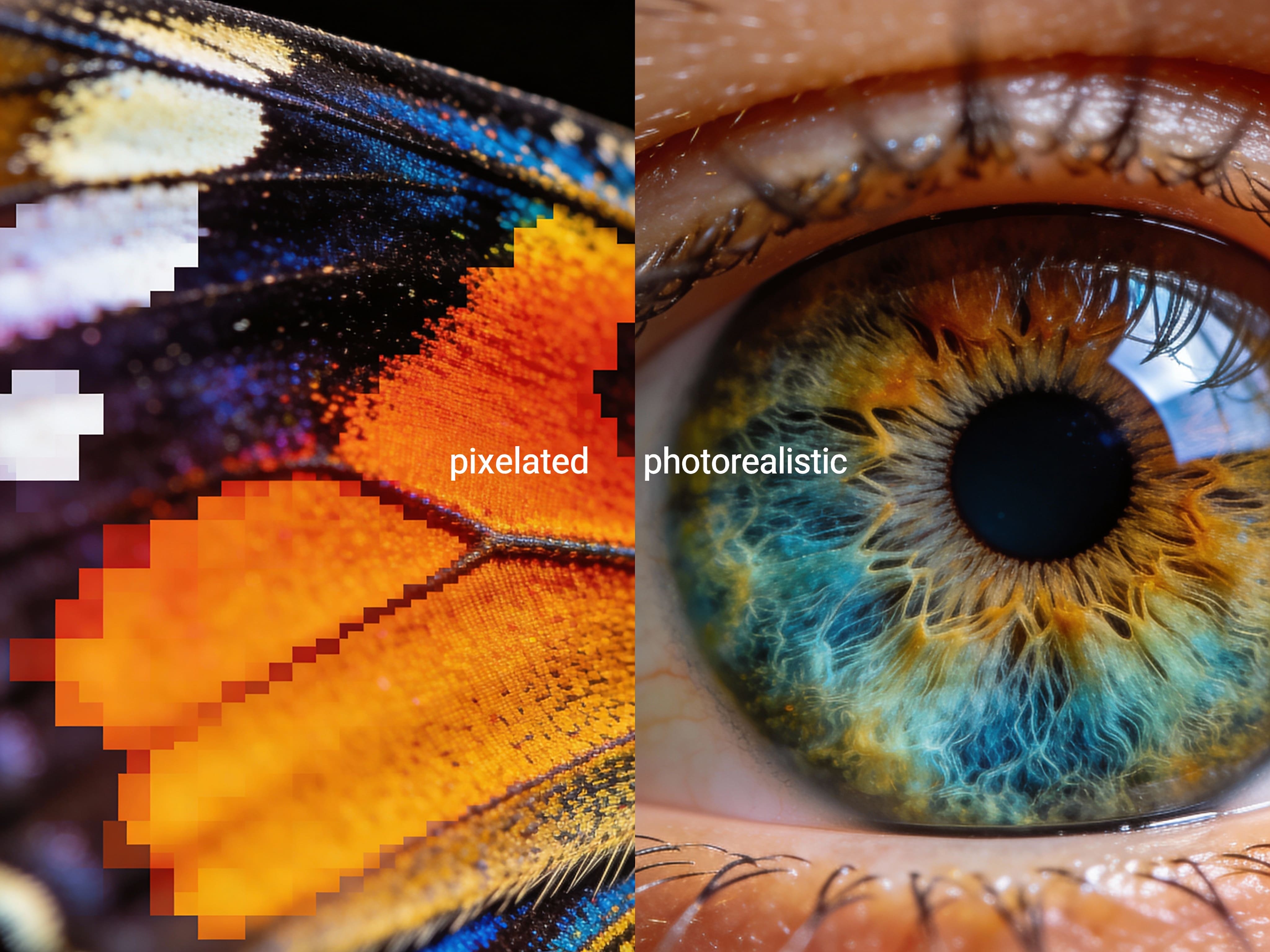
Free AI Image Upscaler with No Login and No Watermark
Creators search for ai image upscaler free no login because they want a fast tool, not another account wall. EzEditor AI keeps the flow simple: upload, upscale, preview, and download. Use our ai image upscaler free no watermark and ai image upscaler free no sign up experience to get clean files quickly.
- Start with a free ai image upscaler immediately without giving an email address before your first enhancement.
- Download enhanced images cleanly for stores, presentations, thumbnails, social posts, and portfolio drafts.
- Use an online ai image upscaler from a laptop, tablet, or phone without installing desktop software.
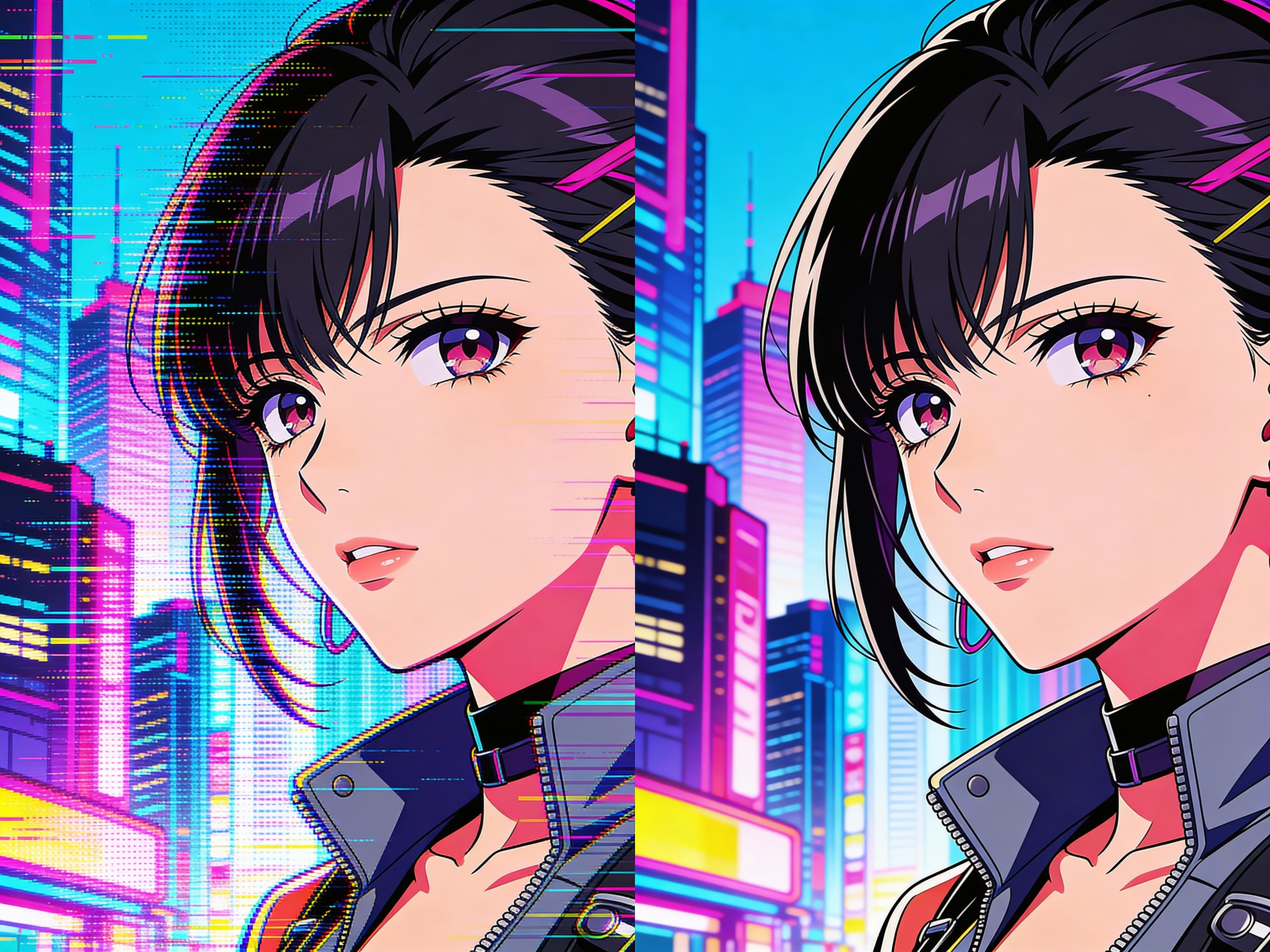
Better Than Basic Non-AI Resizing
A non ai image upscaler or image upscaler no ai tool usually enlarges pixels with interpolation, which leaves edges soft and text jagged. Our AI model analyzes the image content and generates more believable detail, making it a stronger option for people who need the best ai image upscaler for practical daily work.
- Improve logos, product outlines, screenshots, and illustrations without the stair-step artifacts of simple enlargement.
- Reduce JPEG noise and blocky artifacts while preserving the subject, background, and color balance.
- Prepare images for Shopify, Etsy, print-on-demand, blog headers, ads, thumbnails, and design mockups.
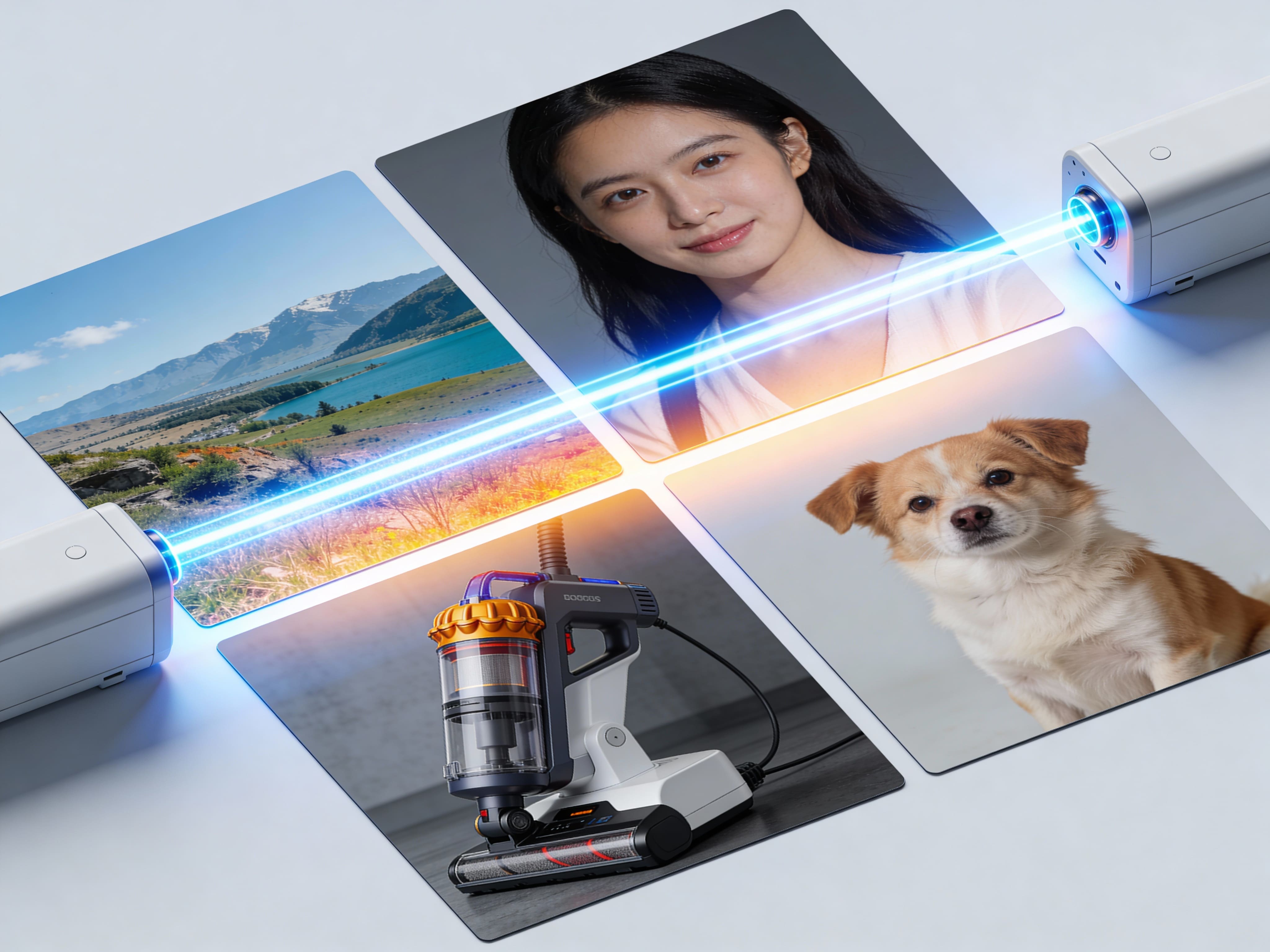
How to Upscale Image Assets Online for Free
Use this ai upscale image online free workflow when you need a clearer image in seconds.
Why Creators Choose This Free AI Image Upscaler
Why Choose EzEditor AI Over Desktop and Basic Upscalers?
What Creative Professionals Say About Our AI Image Upscaler
"As an e-commerce independent site operator, suppliers often provide low-quality product photos that look rough on mobile screens. This is the best ai image upscaler I have added to my daily workflow. I can take a small 300px image and upscale image ai outputs to clear 4K resolution in one click."
"I generate concepts with AI tools, but the base exports are often too small for presentations. Running them through this ai image upscaler saves a lot of manual retouching time, especially on hair, clothing folds, and background texture."
"The no sign up flow matters. I can test a product image, compare the result, and download a clean file without sending a client through a complicated desktop process."
Do Not Let Low Resolution Hold Your Visuals Back
Frequently Asked Questions on AI Image Upscaling
Short answers for people comparing free ai image upscale tools, watermark-free exports, and online enhancement workflows.