Remove Text from Image with AI | Free Online Text Remover
Instantly remove text, date stamps, captions, and watermarks from images using AI. Just describe what to remove—no manual selection needed. Clean photos in seconds.
Remove Text by Typing, Not Brushing
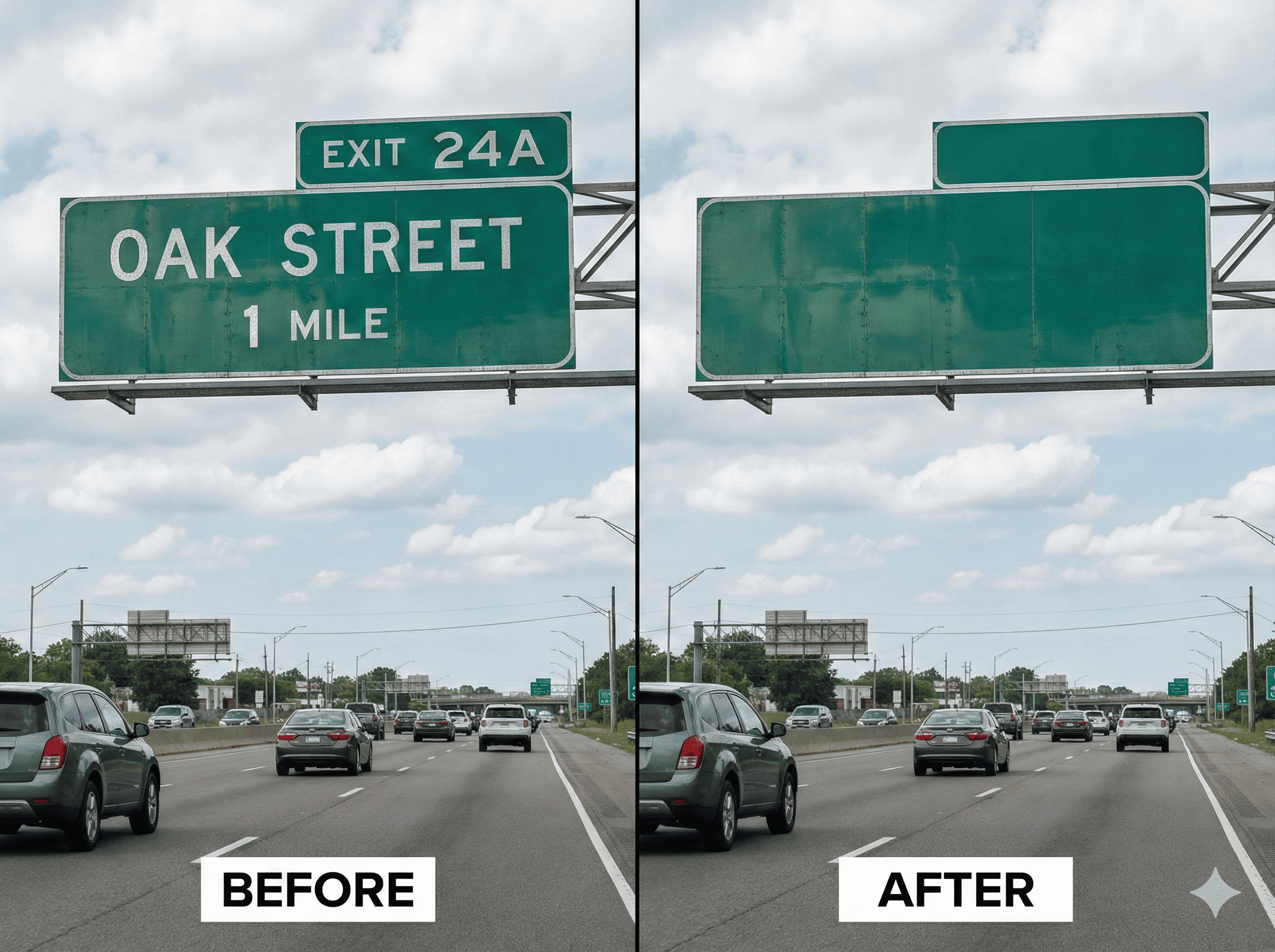
Forget about tedious manual selection tools. With EzEditor's advanced AI, you simply type 'remove text' or 'clean up', and our smart algorithms detect and erase text automatically. It's the fastest way to remove text from images online.
- Powered by the latest Large Language Models. Just describe the text or object you want to gone.
- The AI identifies text blocks, subtitles, and logos instantly without the need for manual masking brushes.
- Intelligently fills the removed area with generated textures that match the original background perfectly.
Erase Date Stamps & Distractions
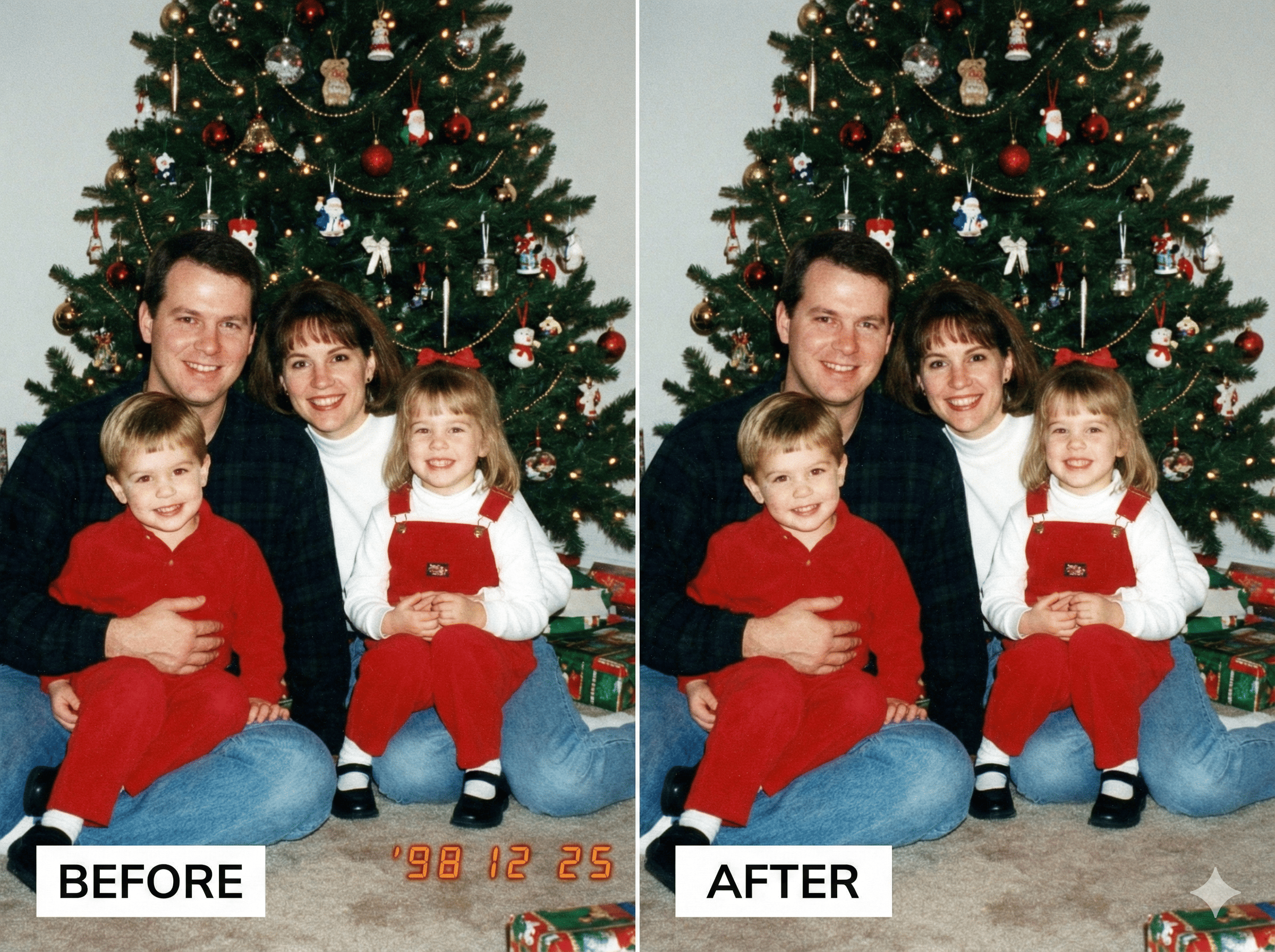
Have perfect travel photos ruined by digital date stamps or accidental photobombers? Our 'Text Remover' doubles as a powerful object eraser. Easily delete '98 12 25' timestamps or unwanted street signs to restore your precious memories.
- Specifically optimized to recognize and erase digital numbers and timestamps from old digital camera photos.
- Clean up old family photos without damaging the faces or important details behind the text.
- Unlike cloning tools, our AI regenerates the hidden details for a sharp, natural look.
Professional Cleanup for E-commerce & Design
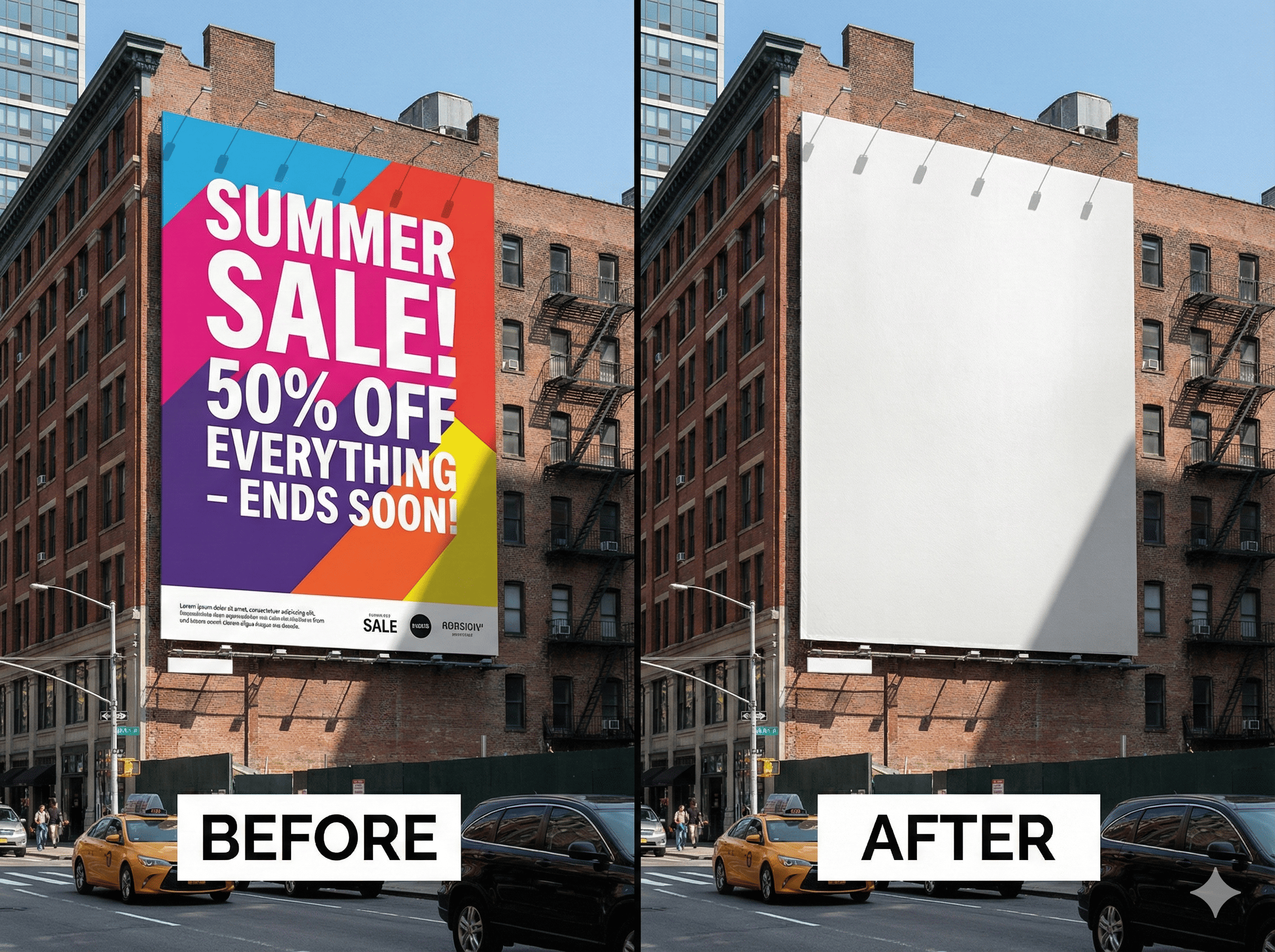
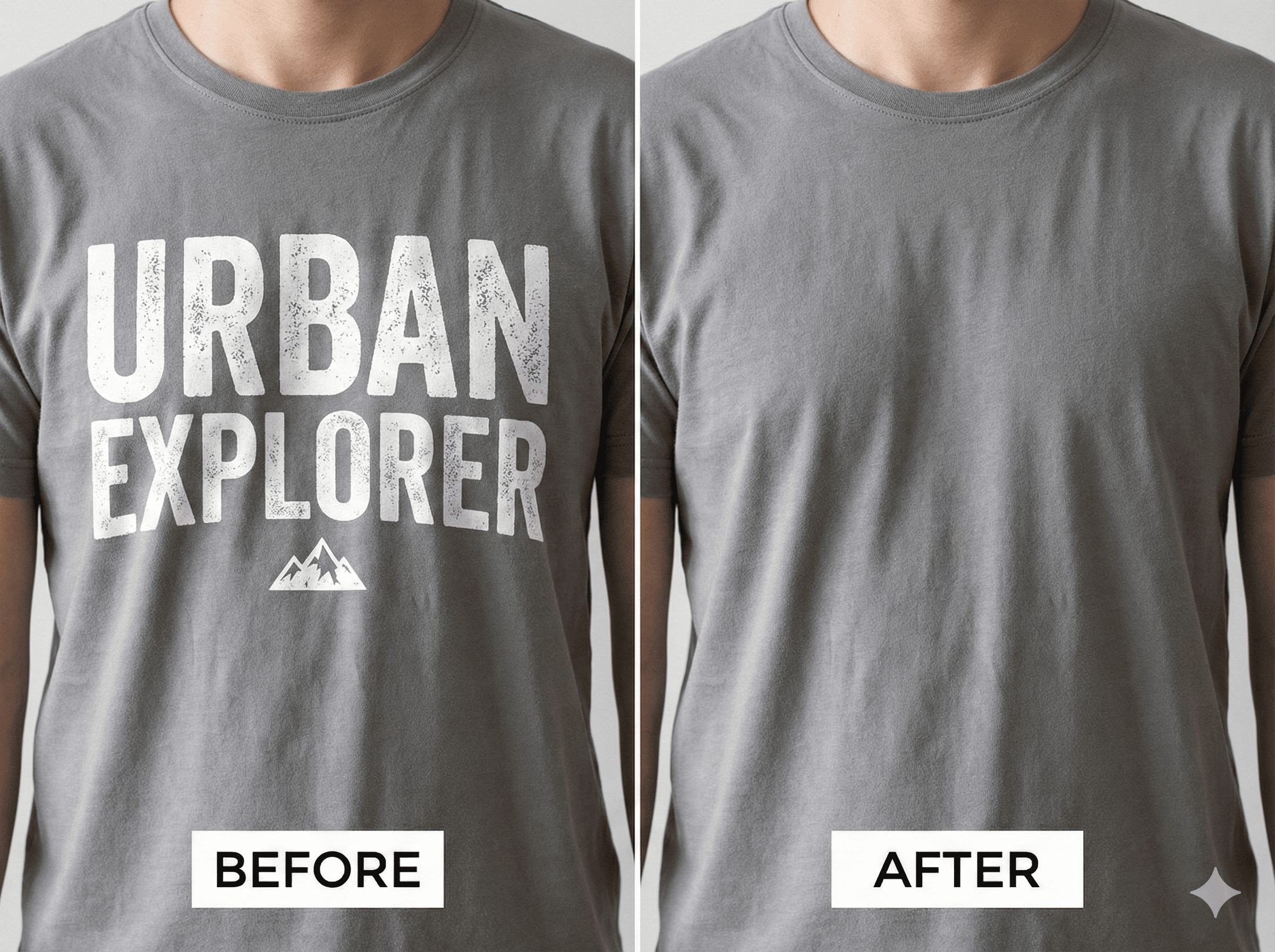
Designers and sellers love EzEditor for its speed. Quickly remove promotional text, watermarks, or old pricing from product images to repurpose them for new campaigns. Create clean, professional visuals without hiring a retoucher.
- Remove old sale text (e.g., '50% OFF') to reuse high-quality product photos for new ads.
- Process your marketing assets quickly with our high-speed cloud rendering.
- Download the cleaned images in full HD quality, ready for your online store or print.
How to Remove Text from Image
3 simple steps to a cleaner photo.
Why Choose EzEditor Text Remover?
Frequently Asked Questions
Everything you need to know about removing text from photos with AI.
Clean Up Screenshots & Social Media Posts
Want to repost a meme without the caption, or save a movie scene without subtitles? EzEditor is the perfect tool to remove text from screenshots. It handles high-contrast subtitles and chat bubbles with precision, leaving you with a clean image.