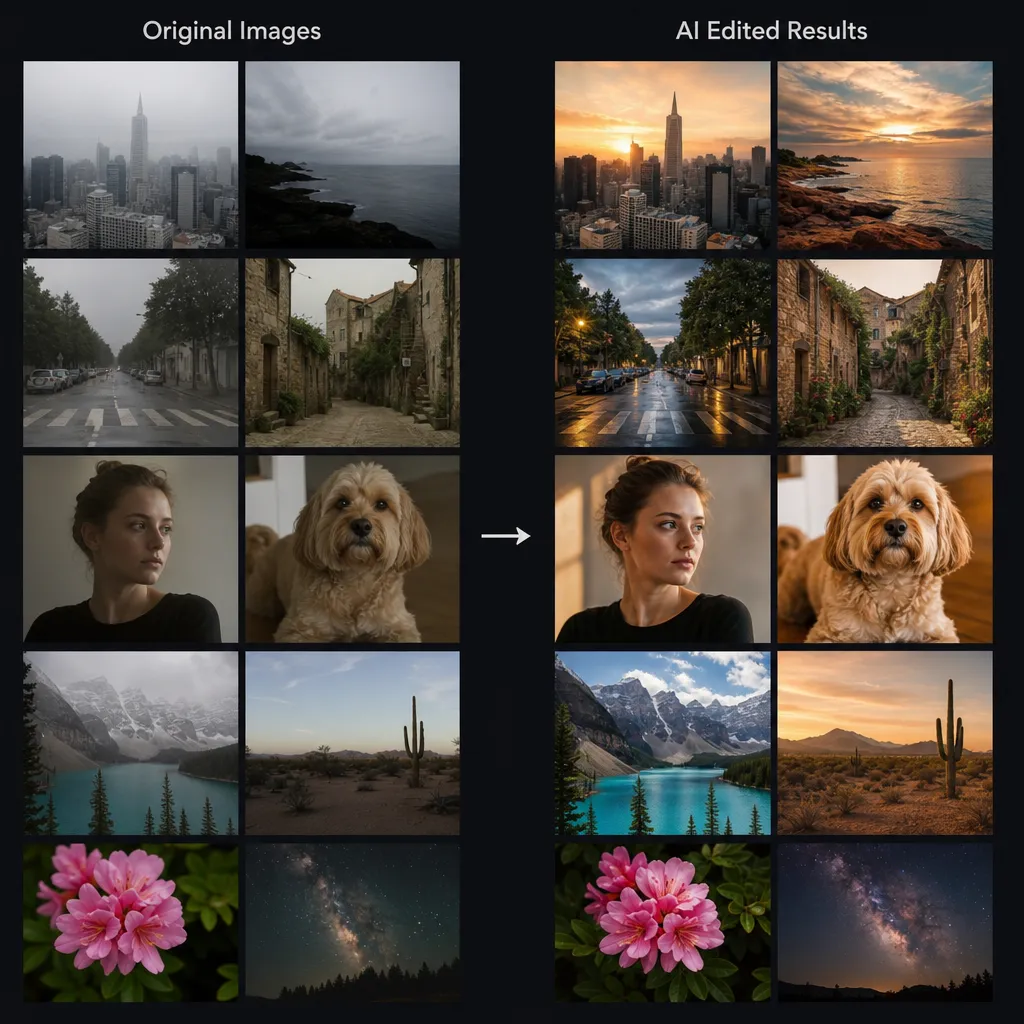
The Best AI Photo Batch Editor for High-Volume Workflows
Revolutionize your productivity with EZEditor's batch processing. Edit hundreds of photos instantly: remove backgrounds, clean watermarks, and upscale images in a single click.
The Power of Batch AI Photo Editing with Prompts
Transform your workflows instantly. Unlike traditional editors, EzEditor AI allows you to apply AI prompts to multiple photos at once. Whether it's 'changing outfits' or 'adjusting lighting,' simply type your command and process up to 20 images in a single batch.
- Apply complex edits like 'make it sunset style' or 'add professional makeup' to multiple files simultaneously.
- Our AI understands the context of each individual photo while maintaining the consistency of your prompt.
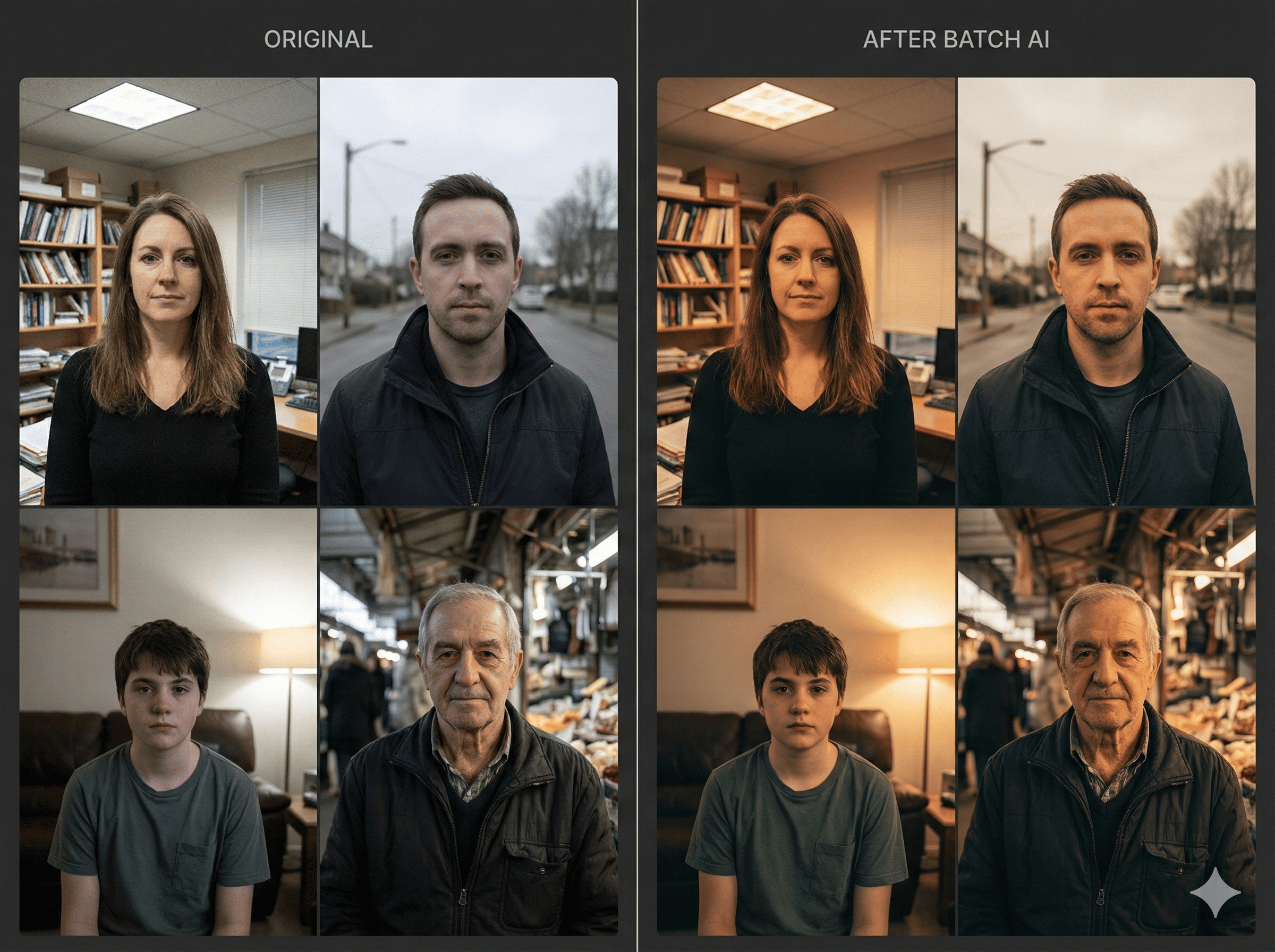
Batch AI Image Unblur: Fix Blurry Photos Instantly
Rescue your out-of-focus shots. EzEditor AI's batch unblur tool intelligently sharpens details and restores clarity to multiple images at once. Turn blurry failures into crisp, high-quality assets.
- Automatically detect and fix motion blur or focus issues across your active batch.
- Restore lost textures and facial details, making your photos look professionally shot.
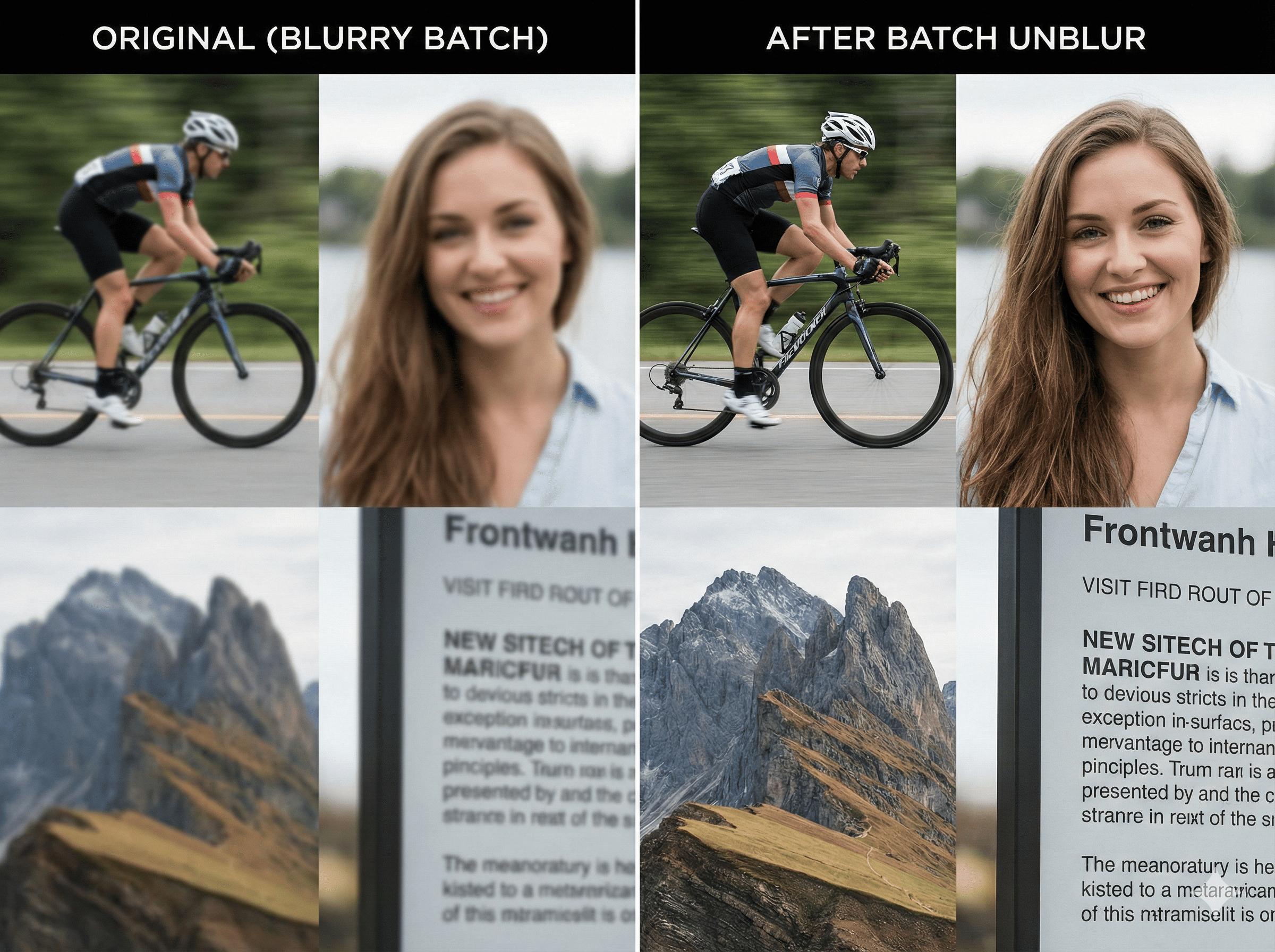
Batch Background Remover & AI Generator: Total Transformation
Go beyond simple removal. EzEditor AI allows you to strip backgrounds from your active batch and instantly replace them. Use solid colors for Amazon, or type a prompt to AI-generate professional lifestyle scenes for all your products at once.
- Cleanly separate subjects from backgrounds, handling complex edges like hair and transparent glass automatically.
- Type a prompt like 'on a marble table' to generate realistic, matching backgrounds for your entire product batch.
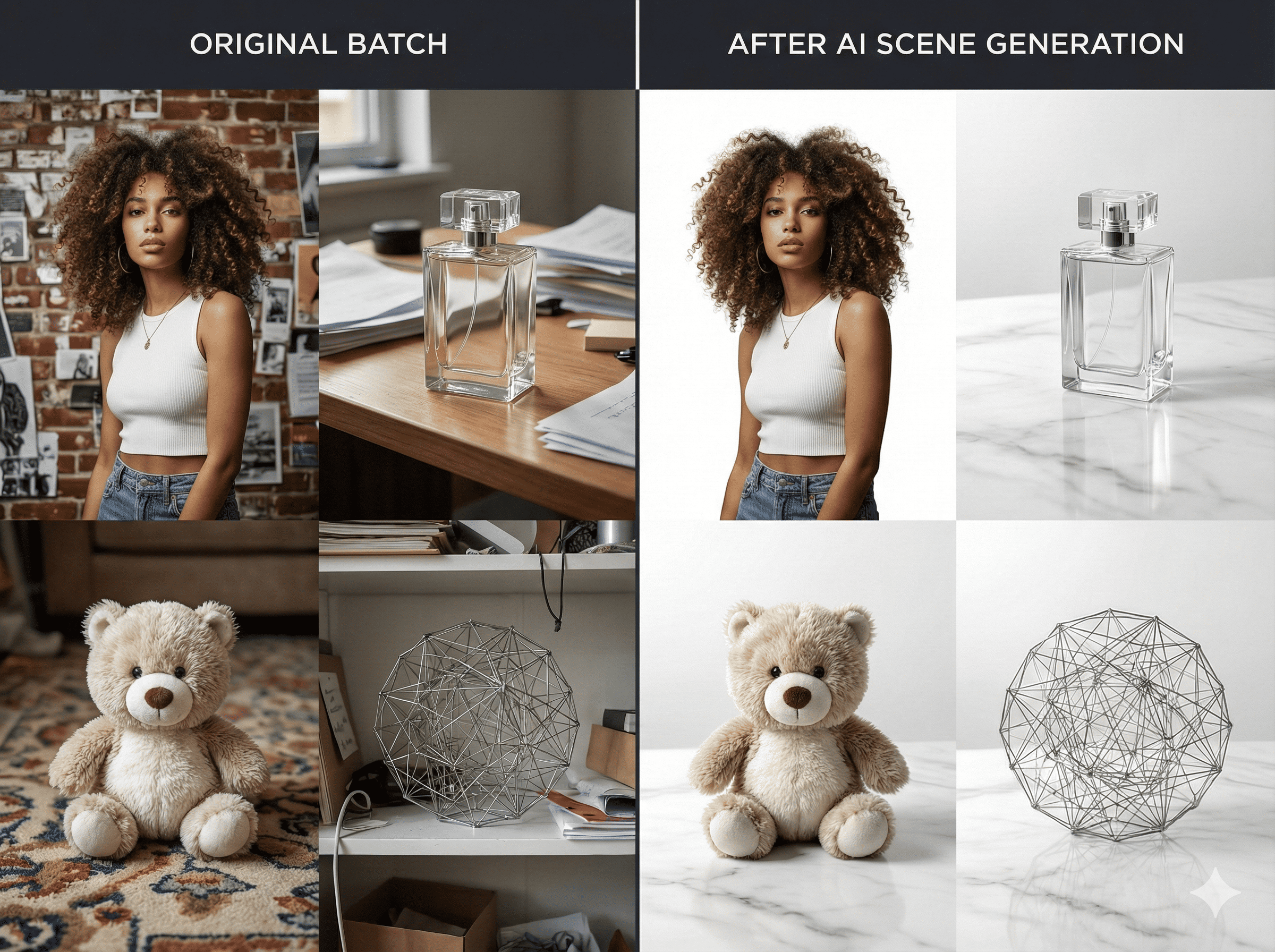
Batch Watermark Remover: Clean Your Assets Effortlessly
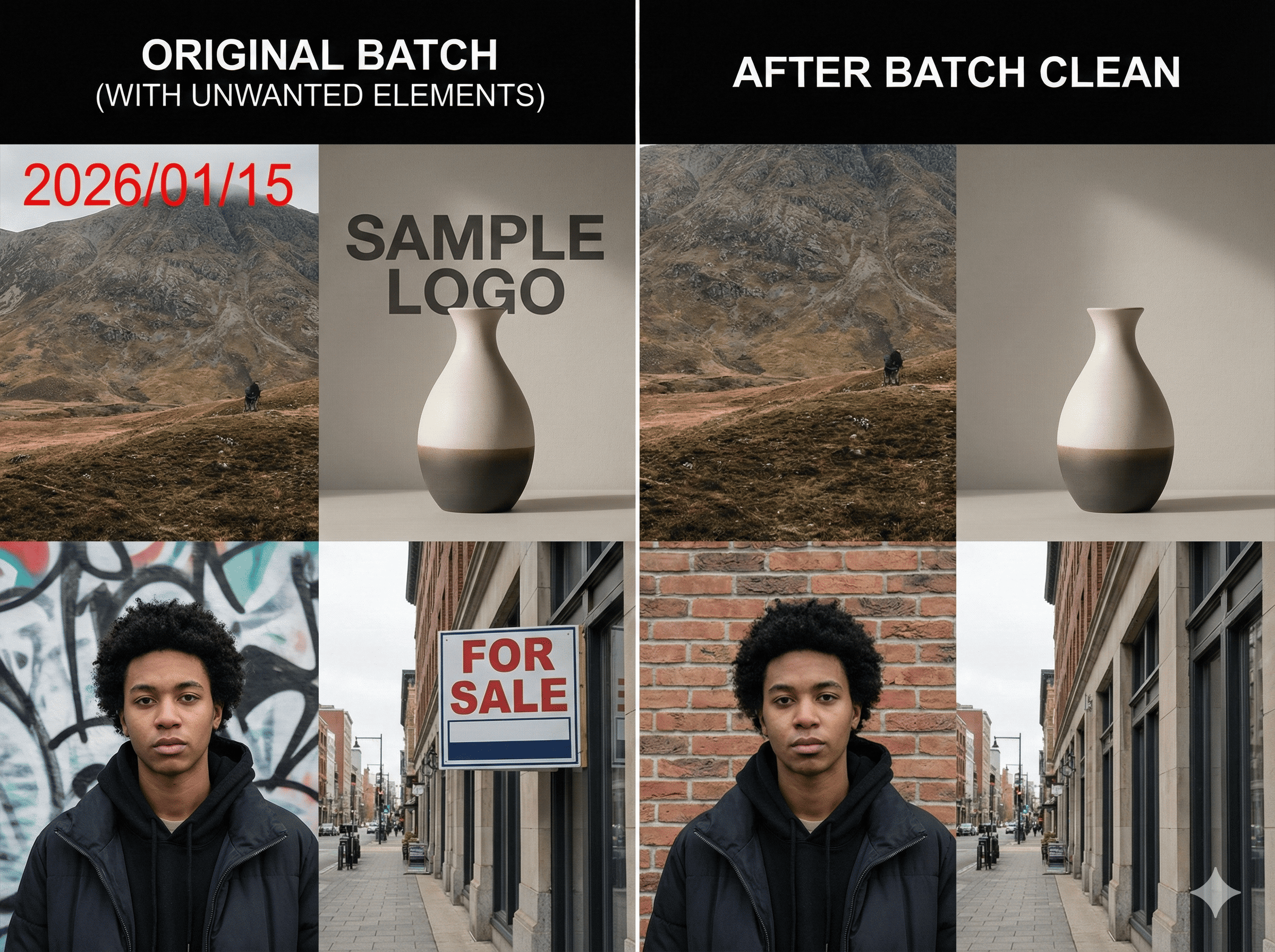
Clean up your visual assets by removing unwanted watermarks, date stamps, or logos from multiple images. Our AI intelligently fills in the removed areas, ensuring the background looks natural and untouched.
- Automatically reconstructs the image behind the watermark for a seamless, unedited look.
- Identify and eliminate distractions from all photos in your folder without manual painting.
Why EzEditor AI is the Best Choice
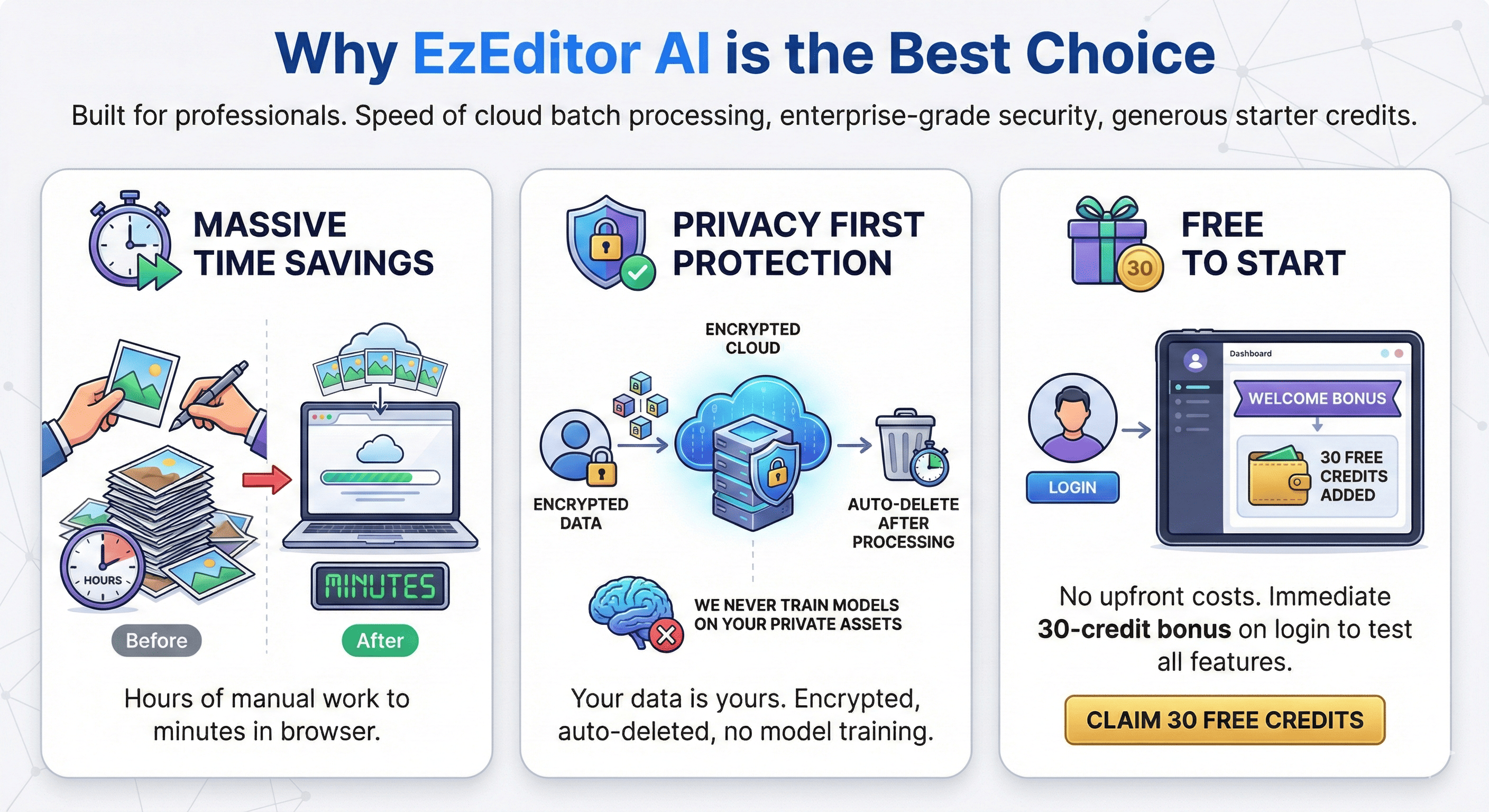
Built for professionals who refuse to compromise. We combine the speed of cloud batch processing with enterprise-grade security and generous starter credits.
- What used to take hours of manual work in Photoshop now takes just minutes in your browser.
- Your data is yours. All uploaded images are encrypted and automatically deleted after processing. We never train models on your private assets.
- Experience the power of AI without upfront costs. Get a 30-credit bonus immediately when you log in to test all batch features.
How to Batch Edit Photos in 3 Simple Steps
Automate your photo editing workflow and save hours of manual work.
Why Choose EzEditor for Batch Processing?
FAQ about the Best AI Photo Batch Editor
Common questions about using EzEditor AI's prompt-based batch tools.