Travel Photos Ruined? Fix Them Fast with EzEditor AI Magic Editor
Don't let photobombers ruin your memories. Use EzEditor AI’s Magic Editor to remove unwanted objects via simple text prompts. Free trial, 4K quality, no watermarks!
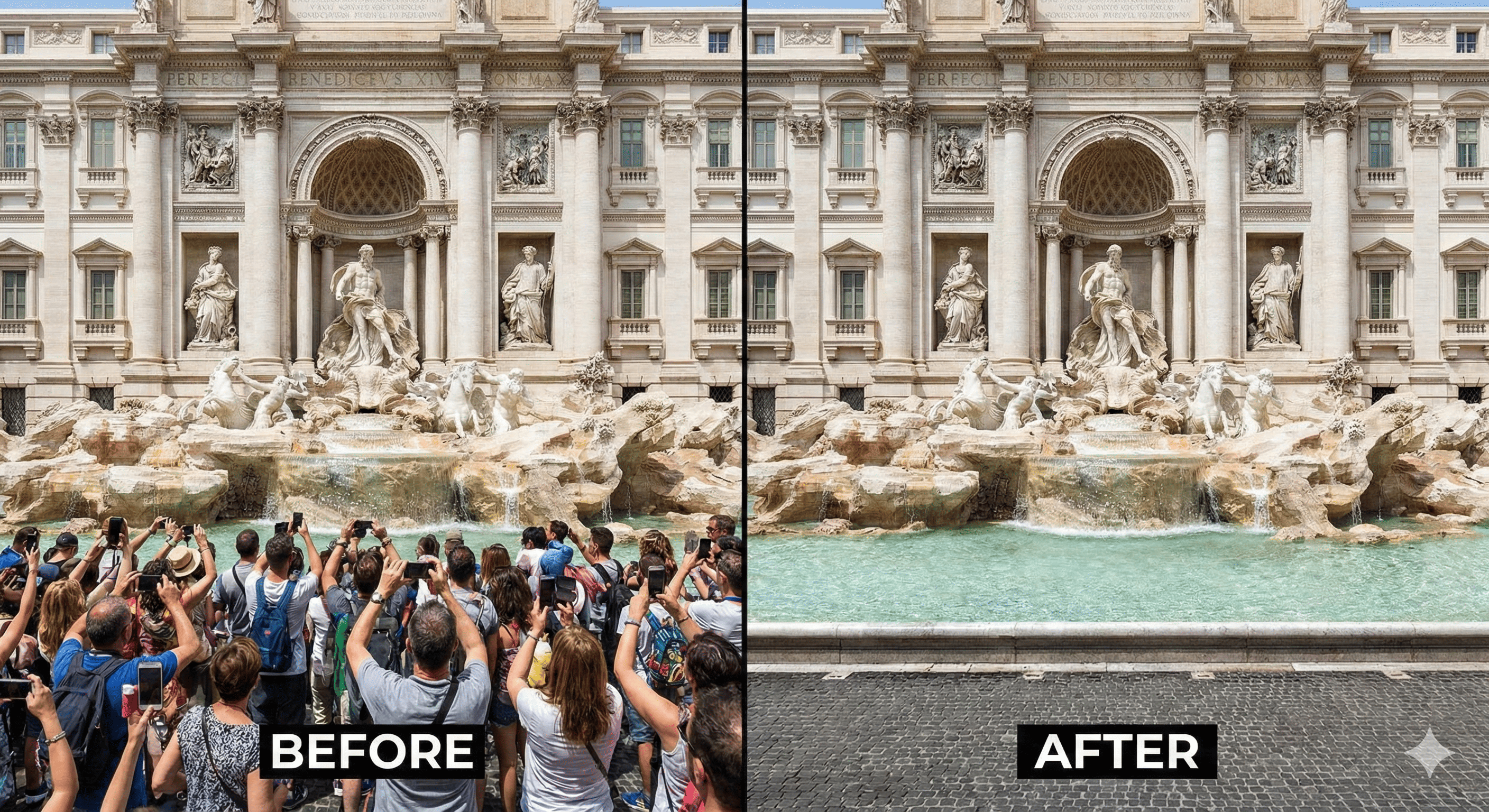
We’ve all been there. You fly thousands of miles to a bucket-list destination, wait patiently for the crowds to thin, and capture what you think is a masterpiece—only to realize later that a stranger in a neon jacket, a stray trash can, or a messy web of power lines is photobombing your perfect shot.
In the past, a ruined photo stayed ruined. Your only options were to live with the distraction or spend hours struggling with professional software that required a degree in graphic design just to open. But today, the game has changed. Whether you're a digital nomad or a casual vacationer, the AI Magic Editor from EzEditor is here to turn those "almost perfect" shots into the gallery-worthy art they were meant to be.
The End of the Clunky "Brush" Tool
If you’ve ever tried to edit a photo on your phone, you know the frustration of the "brush" or "healing" tool. Trying to paint over a tiny object with your thumb usually results in a blurry smudge that looks worse than the original distraction. It’s imprecise, time-consuming, and often leaves your background looking like a glitch in the Matrix.
This is where modern technology steps in. Instead of forcing you to be an artist, EzEditor AI uses advanced generative intelligence that understands context. You don’t need to zoom in and out, meticulously masking every pixel. You simply need to describe what you want to change. By shifting from "brushing" to "describing," you allow the AI to handle the complex physics of light, texture, and shadow.
How to Save Your Memories in Seconds
The beauty of using a text-driven AI photo editor is the simplicity. You aren't just erasing pixels; you are performing a "Generative Fill." This means the AI isn't just deleting an object; it’s "imagining" what should have been behind it—whether that's the intricate stone patterns of an ancient castle or the soft gradients of a sunset sky.
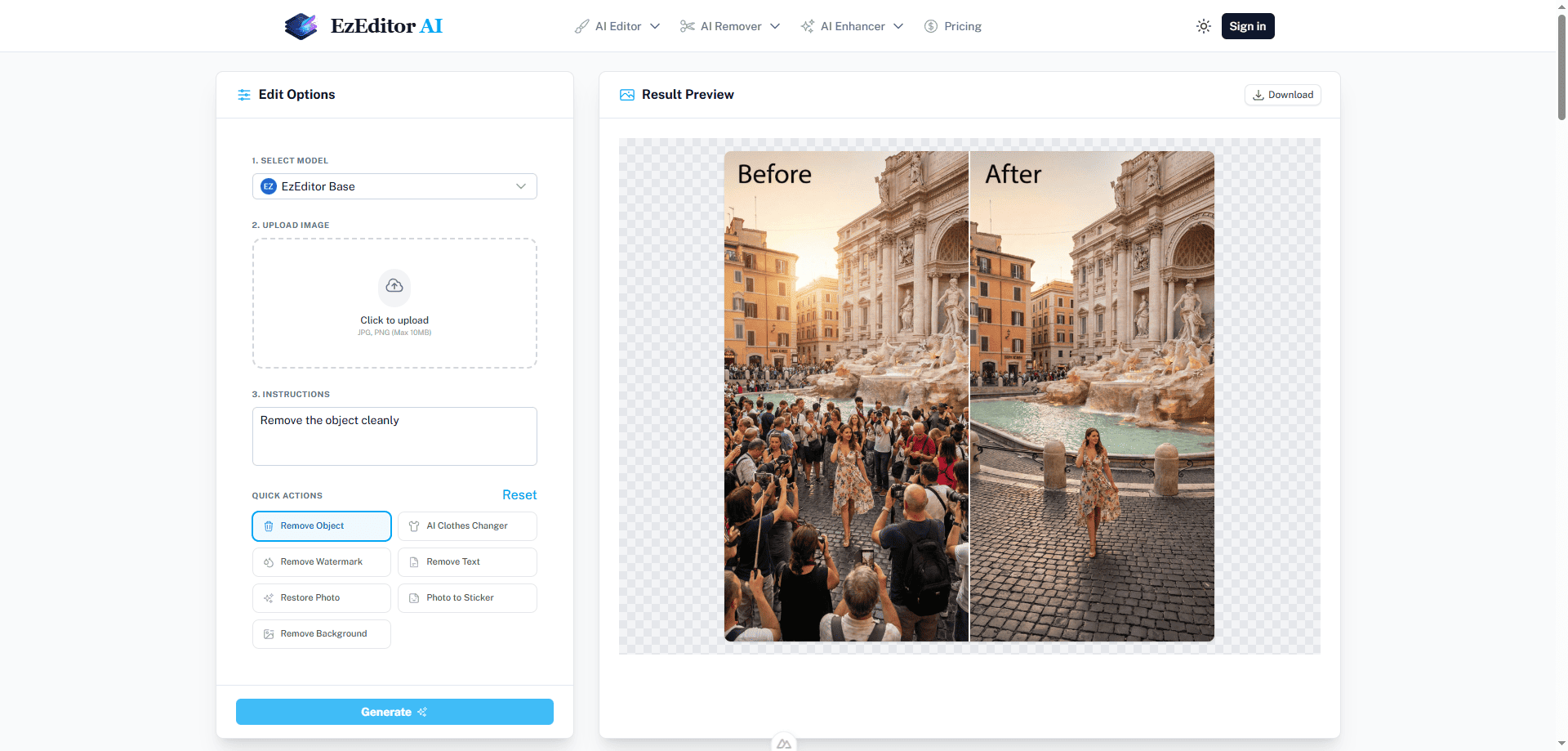
To get started, the process is remarkably straightforward:
- Upload Your Photo: Drop your high-res DSLR shots or smartphone snaps directly into the editor.
- Describe the Change: This is the "magic" part. In the instruction box, use natural language. Instead of clicking a dozen buttons, just type: "Remove the tourists in the background" or "Clear the power lines from the sky."
- Generate and Refine: The AI analyzes the scene, identifies the targets, and reconstructs the image. Because it understands the environment, the result looks like the distraction was never there in the first place.
Transparency: Generous Trials, No Hidden Traps
We know that online tools often lure you in with "free" tags, only to slap a giant watermark on your photo at the last second. At EzEditor AI, we believe in transparent, upfront value.
To let you experience the magic, you can try our editor immediately—no account required—for your first few edits. If you love the results (and we think you will), simply create a free account and instantly receive 15 bonus credits. That's 15 more high-resolution, watermark-free masterpieces at absolutely zero cost.
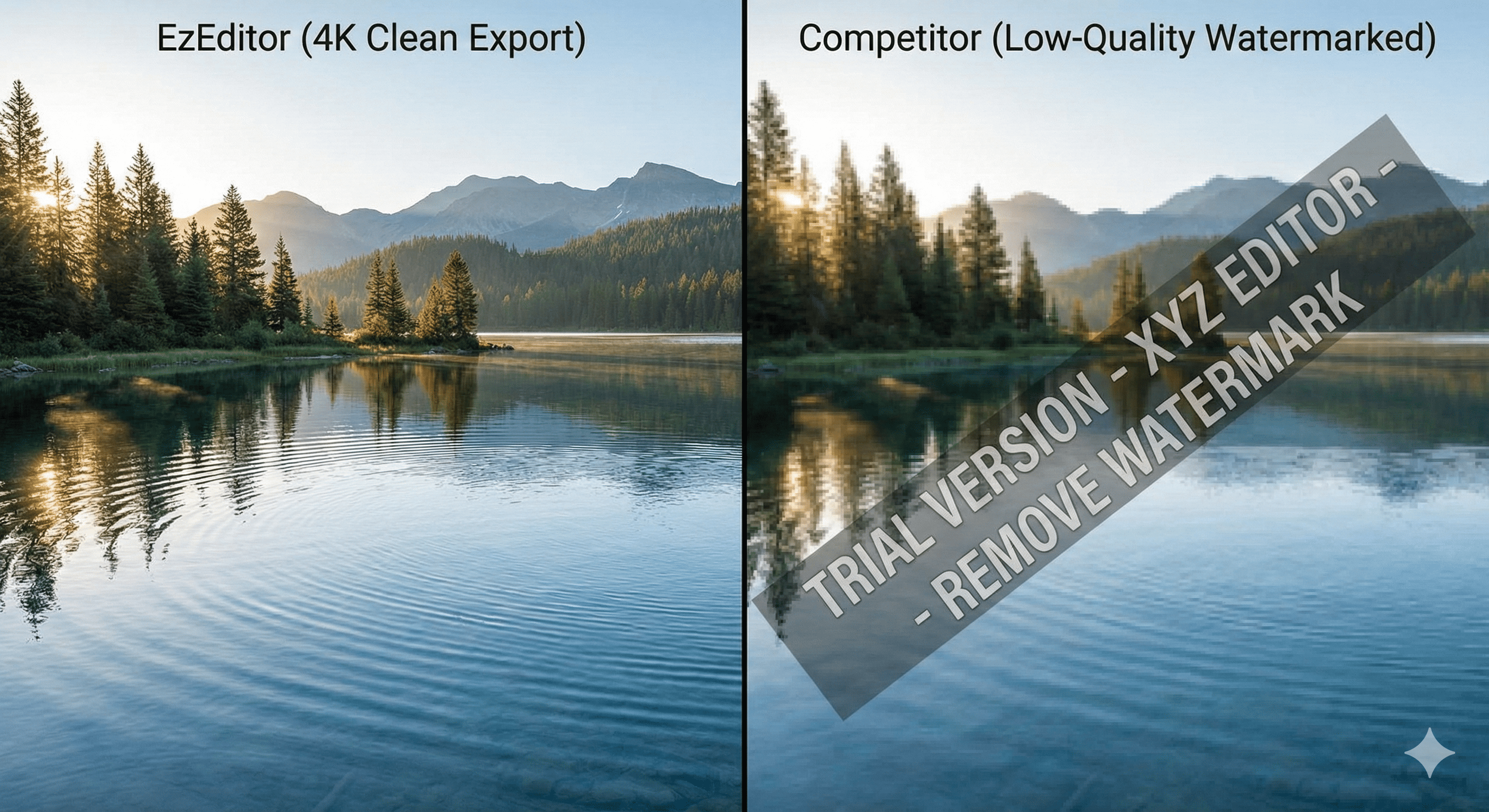
We don't do annoying monthly subscription traps. If you have an entire summer's worth of travel photos to fix and run out of free credits, you can simply top up as needed. No ads, no selling your data—just affordable, pure creative freedom.
Why This Matters for Your Travel Legacy
Your travel photos are more than just files on a phone; they are the return tickets to your favorite moments. When you look back at your trip to the Amalfi Coast ten years from now, you want to remember the blue of the water and the joy on your face—not the bright red soda bottle someone left on the wall behind you.
By leveraging the power of an AI Magic Editor, you aren't "faking" your photos; you are clearing away the noise of the modern world to reveal the beauty of the moment you actually experienced.
So, don't let a stray seagull or a photobomber hold your memories hostage. Head over to the editor, use your free credits, and see how easy it is to reclaim your perfect shot.